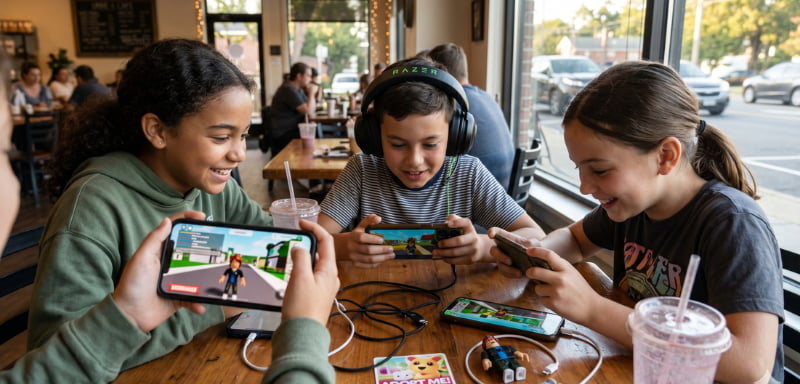
Robux can make Roblox more enjoyable by allowing players to purchase avatar items, game passes, private servers, and in-game upgrades. However, small purchases can quickly become a large monthly expense when they are not tracked properly. Creating a clear Robux budget helps players control digital spending, avoid unnecessary transactions, and get better value from every purchase.
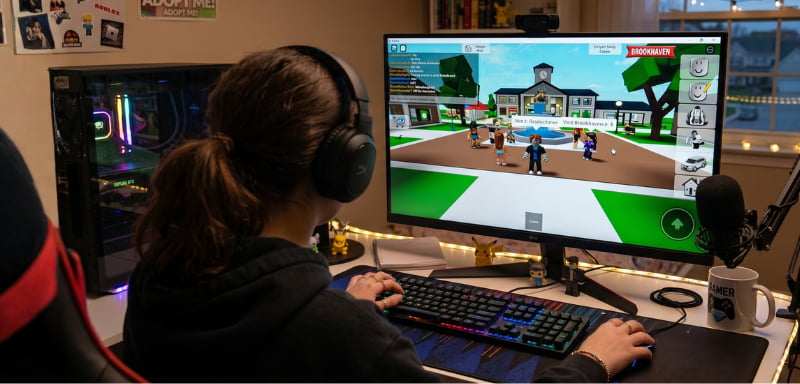
Here are the best financial planning strategies for managing your Robux without overspending.
1. Set a Monthly Robux Spending Limit
Decide how much money you can comfortably spend on Roblox each month. Treat Robux as an entertainment expense, similar to streaming subscriptions, movies, or mobile games.
Your Robux spending limit should come after essential expenses and personal savings. Once the monthly limit has been reached, avoid making another purchase until the next budget period.
| Player type | Suggested budgeting approach |
|---|---|
| Occasional player | Buy only when a specific item is needed |
| Regular player | Set a fixed monthly Robux allowance |
| Frequent player | Compare bundles and subscription costs |
| Younger player | Use gift cards and parental controls |
The right spending limit depends on your household budget and how frequently you play.
2. Track Every Robux Transaction
Review your Roblox transaction history regularly. Record how many Robux you purchased, how much real money you paid, and where the Robux was spent.
A basic spreadsheet or budgeting app can help you track:
- Robux package prices
- Game passes and avatar purchases
- Private-server expenses
- Recurring subscription payments
- Remaining monthly balance
Tracking purchases makes it easier to identify impulse spending and calculate your true monthly gaming cost.
3. Compare the Cost per Robux
A larger package may offer better value, but it also requires a higher upfront payment. To compare different Robux bundles, calculate the cost per 1,000 Robux:
Package Price ÷ Total Robux × 1,000
The package with the lowest cost per 1,000 Robux generally provides better unit value. However, buying the largest package is not a financial saving if most of the balance is spent on items you did not originally plan to purchase.
Choose a bundle based on expected usage, not simply because it advertises more Robux.
4. Create a Purchase Priority List
Before buying Robux, list the items you actually want and place them in order of importance. Separate essential planned purchases from optional avatar accessories or temporary in-game upgrades.
Wait at least 24 hours before completing an unplanned purchase. This simple cooling-off period can reduce impulse transactions and protect your available Robux balance.
It is also helpful to set a maximum price for individual items. If an item exceeds that limit, wait for an alternative or save your balance for something more valuable.
5. Use Gift Cards for Better Spending Control
Roblox gift cards can be useful for players who want a prepaid budget. Unlike a saved credit card or debit card, a gift card limits spending to the available credit.
Gift cards may also help parents manage a child’s gaming allowance without sharing personal banking information. Purchase cards only from Roblox or an authorized retailer, and redeem codes through the official Roblox website.
Avoid heavily discounted gift cards from unknown websites. Fraudulent codes can lead to payment disputes, financial loss, or account-security problems.
6. Review Subscriptions Carefully
A recurring Roblox subscription or monthly Robux bundle may be useful for active players, but recurring billing can become an unnecessary expense when benefits are not used.
Before subscribing, compare:
- Total annual subscription cost
- Included monthly Robux
- Benefits you will realistically use
- Cost of purchasing Robux separately
- Cancellation and renewal conditions
Check your bank statement or credit card statement regularly for recurring charges. Cancel unused subscriptions before the next billing date.
7. Watch for Taxes and Payment Fees
Your final checkout price may include digital service tax, sales tax, currency conversion, or foreign transaction fees. Credit card companies and payment processors may apply additional charges when a purchase is processed in another currency.
Always review the final payment amount rather than relying only on the advertised package price. Comparing payment methods such as credit cards, debit cards, PayPal, and prepaid credit can help reduce unnecessary fees.
8. Protect Your Account and Payment Details
Enable two-step verification, create a strong password, and never share login or payment information. Set parental spending controls for younger players and avoid unofficial Robux generators.
Robux should be purchased only through Roblox or an authorized seller. Remember that Robux is a digital entertainment product—not an investment, savings account, or guaranteed financial asset.
Final Thoughts
The best Robux budget combines a monthly spending limit, transaction tracking, package comparison, and secure payment methods. Plan purchases in advance and focus on items that provide lasting enjoyment. Smart budgeting allows you to enjoy Roblox while keeping your overall gaming expenses under control.