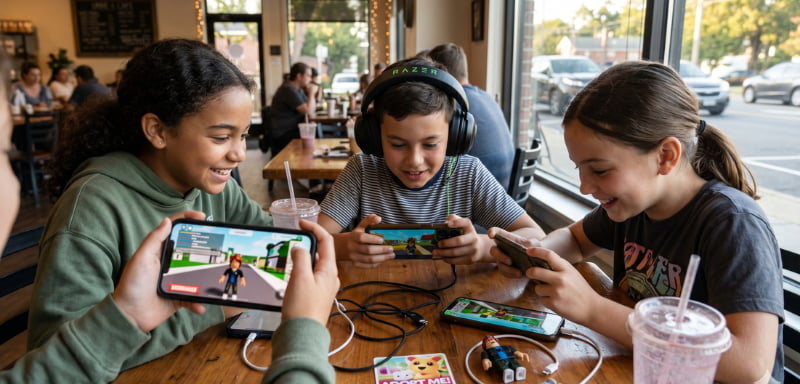
Robux gift cards offer a convenient and secure way to purchase Robux without connecting a credit card or debit card directly to a Roblox account. They are especially useful for parents, younger players, and anyone who wants better control over online gaming expenses.
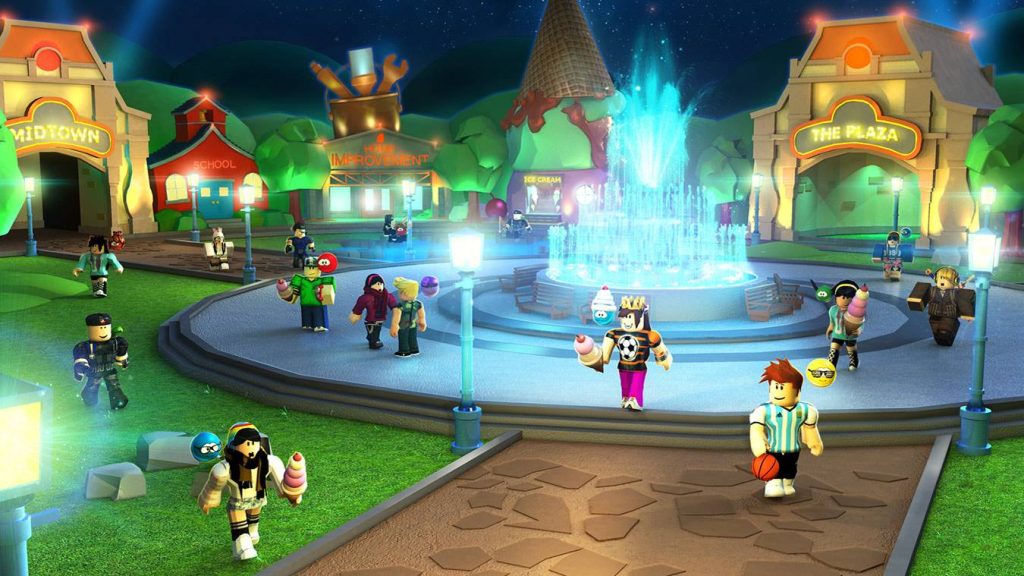
Available as physical cards or digital gift codes, Roblox gift cards can be purchased from authorized retailers and selected online stores. However, understanding how Roblox Credit works is important before completing your purchase.
How Do Roblox Gift Cards Work?
A standard Roblox gift card contains prepaid monetary value. After redeeming the card, that value is generally added to your account as Roblox Credit. You can then use the credit to purchase Robux and other eligible Roblox services.
Amazon and Party Packs gift cards work differently. According to Roblox, these cards are redeemable directly for Robux and cannot be converted into Roblox Credit. Roblox Gift Card guide
Gift cards can be a useful personal-finance tool for managing entertainment spending because they create a fixed purchasing limit. Unlike a saved payment card or automatically renewing subscription, a prepaid gift card cannot continue charging your bank account after its balance is used.
Where Can You Buy Roblox Gift Cards?
Roblox gift cards are available through participating physical retailers and their online stores. Digital cards are also sold online in supported countries.
Only purchase cards from Roblox or an authorized retailer. Discounted gift cards from unknown marketplaces, auction websites or social-media sellers may be stolen, previously redeemed or connected to payment fraud.
Keep the receipt after purchasing a physical or digital card. It may be required if you experience an activation or redemption problem.
How to Redeem a Roblox Gift Card
Most gift cards must be redeemed through a web browser rather than the standard Roblox mobile app or a gaming console.
Follow these steps:
- Open Roblox.com/redeem in your browser.
- Sign in to the Roblox account that should receive the credit.
- Enter the gift card PIN or digital code carefully.
- Select Redeem.
- Wait for the confirmation message.
- Check the available Roblox Credit shown below the redemption area.
- Select Get Robux when you are ready to spend the balance.
Samsung Galaxy users may also see a Redeem option inside the Roblox mobile application. Other mobile users should complete the process through their web browser. Official redemption instructions
How to Convert Roblox Credit into Robux
After redeeming a standard card, visit the redemption page and select Get Robux. Roblox may automatically display the largest Robux package that can be purchased with your available balance.
If you want a different package, visit the Buy Robux page after adding the credit. Small remaining balances may also be converted into Robux when the Convert Credit to Robux option is available.
Roblox Credit can only be viewed and spent through a web browser. It is not displayed inside the regular mobile applications. Roblox also does not permit split payments, meaning you cannot combine account credit with a credit card to complete one purchase. Managing Roblox Credit
Can You Redeem a Card from Another Country?
Roblox states that gift card codes can be redeemed worldwide. If the card uses a different currency, its value is automatically converted into the local currency associated with the account.
Currency conversion and regional Robux pricing may affect the final purchasing value. Therefore, compare the card’s retail price with current Robux package prices before buying.
What If the Gift Card Code Does Not Work?
First, confirm that you are signed in to the correct account and that every letter and number was entered correctly. Characters such as zero and “O,” one and “I,” or eight and “B” can look similar.
If the code still fails, contact Roblox Support with the purchase receipt, card PIN, serial number, purchase location and images of the card. Never post your PIN publicly or share it with someone claiming to provide free Robux.
Are Roblox Gift Cards Refundable?
Roblox generally does not provide refunds for redeemed or unused gift cards. Gift cards also have no cash value and cannot normally be exchanged for money.
For safer financial management, verify the account username, card value, regional currency and retailer return policy before completing the transaction.
Final Thoughts
Robux gift cards are a practical option for secure online payments, parental spending control and gaming-budget management. Purchase only from authorized sellers, protect the redemption code and check current Robux prices before converting your credit.